Users and Permissions
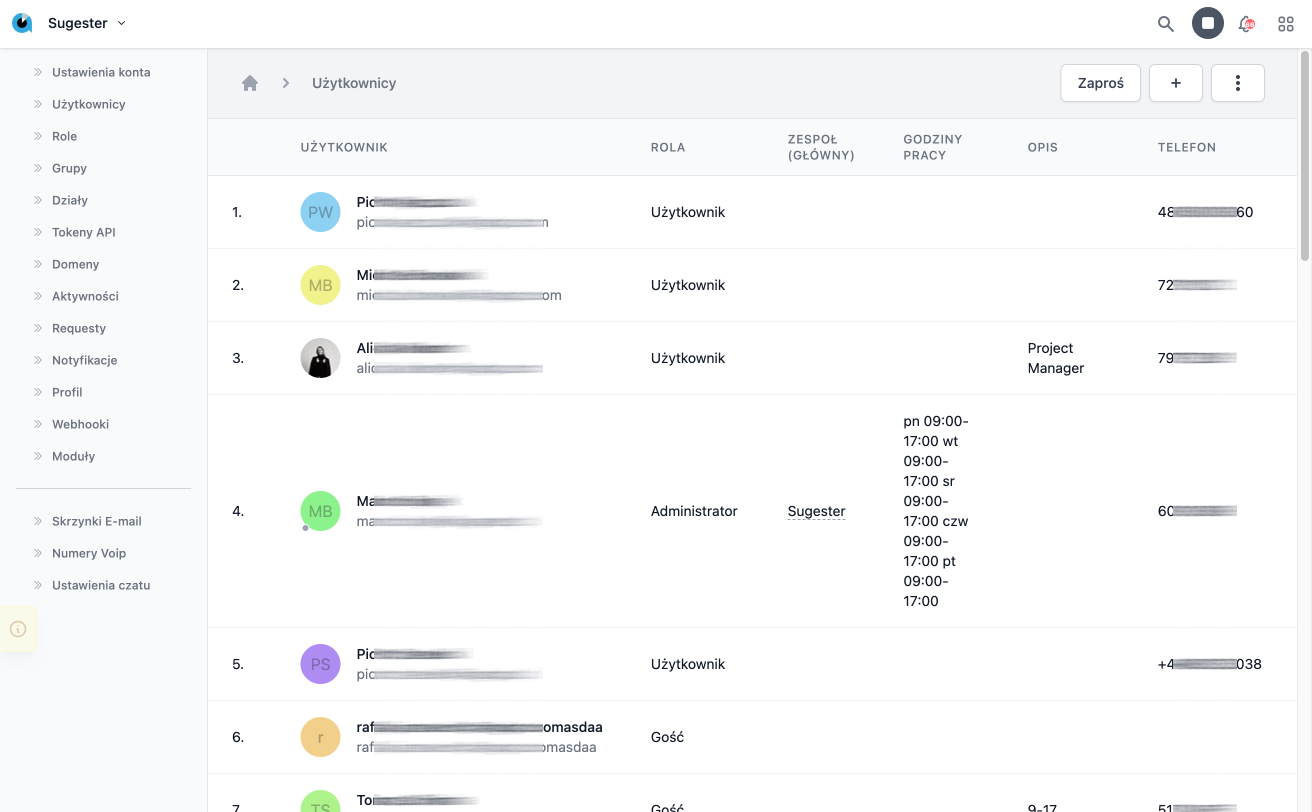
In Sugester, you can invite team members and control their access to specific features.
Inviting Users
- Go to Settings → Users
- Click Invite User
- Enter the email address
- Select a role (Administrator, Operator, User)
- Send the invitation
User Roles
| Role | Permissions |
|---|---|
| Administrator | Full access, account management |
| Operator | Working with clients, tasks, email |
| User | Read-only access |
Teams
Group users into teams to make it easier to assign tasks and filter data.
Deactivating a User
Do not delete users - deactivate their account. You will retain the history of their actions.