What are teams?
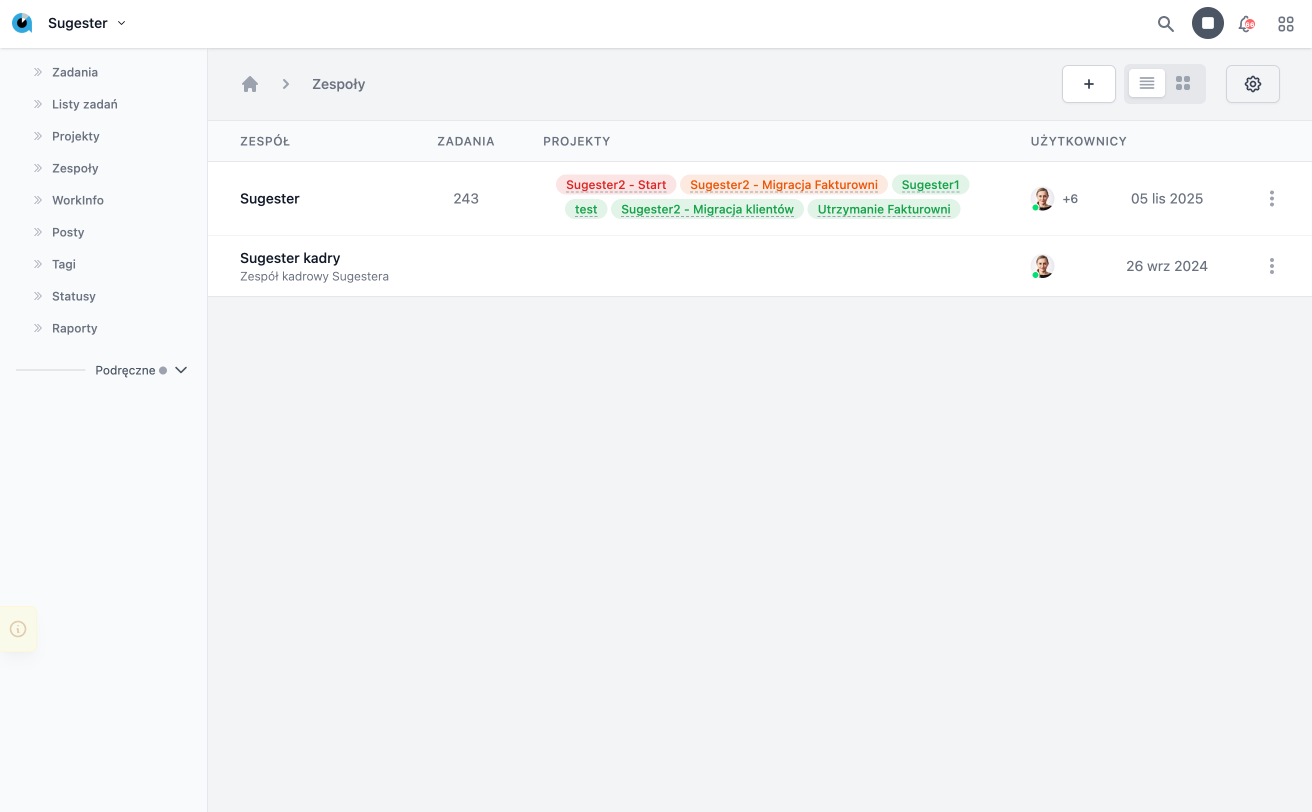
Teams are organized groups of users who collaboratively accomplish specific tasks or areas of the company’s operations. Each team focuses on individuals with different, complementary skills, which facilitates the division of responsibilities and efficient collaboration. By assigning cases, clients, or processes to specific teams, it is possible to better manage accountability, monitor progress, and coordinate actions. This feature increases the transparency of work and supports achieving common business goals.
Fields on the team card
Team Name - required field. Used to enter a unique name for the team, under which it will be visible in the system. The name should clearly define its function or area of operation.
Description - optional field. Allows adding a brief description of the purpose, scope of activity, or other information that helps understand the role of the team in the organization.
Active - checking this box indicates that the team is currently active and available for assignment in the system. Unchecking it disables the team but does not delete it — useful for reorganization or archiving.
Main Team - option to mark the team as the primary or superior one in the organizational structure. It can be used in hierarchies or reporting.
Responsible Person - field that allows specifying a user who serves as the leader, caretaker, or coordinator of the team. The responsible person can receive notifications, oversee the team’s activities, or perform administrative functions.
Team Members - list of users belonging to the team. Members can perform team tasks, receive assignments, and participate in CRM processes. Adding the appropriate individuals defines the structure and actual composition of the team.
Statuses - field used to specify a set of statuses that a given team can use while working in the CRM system. Statuses define the stages of task, case, or process execution handled by the team. Selecting the appropriate set allows tailoring the workflow to the nature of the team’s work.