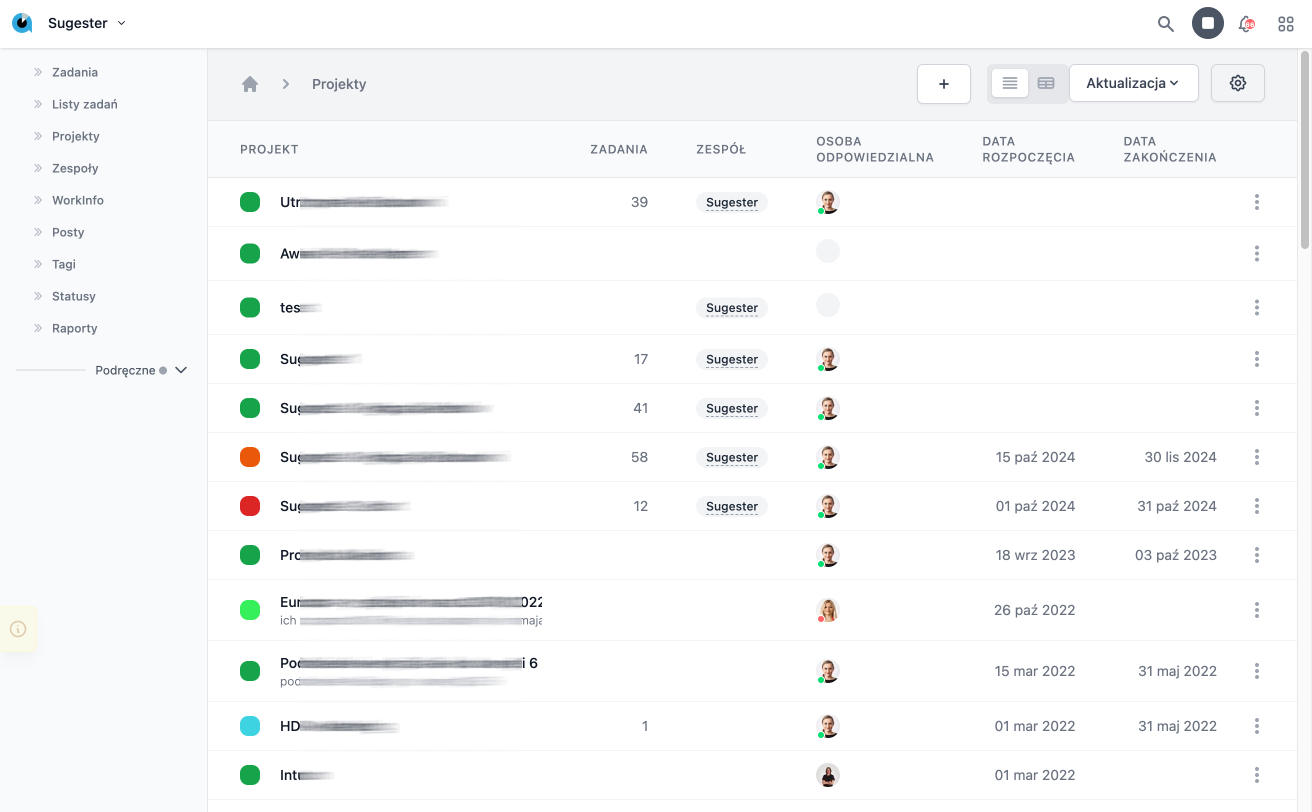
Projects in Sugester allow for better organization of tasks so that it is easier to achieve set goals, both large and small.
To create a new project, simply click the Projects icon from the Organization dashboard, and then click the blue Add button.
In the new window, you can fill in the project name, its description, who is responsible for the project, which team is working on it, the status of the project, and whether it is active.
We pay special attention to the Code field. It allows you to assign a unique URL to our project. This means
Projects can be created for:
- performing a specific service
- creating a product
- implementing a process
- running a marketing campaign