Syntax Template
The syntax template is one of the available Knowledge Base templates. It features automatic sections on the homepage that dynamically pull content based on the names of categories and tags of entries.
Automatic sections on the homepage
1. Category Grid
At the top of the homepage, a grid of all main (root) categories is displayed, along with descriptions and the number of entries.
2. Latest Entries
This section displays 4 most recently added entries (sorted by created_at). Each entry shows:
- Category name (green badge)
- Entry title
- Abstract or beginning of the content (max 120 characters)
3. Popular Entries
This section displays 4 entries with the highest number of views (sorted by view_count). The format is identical to the latest entries, but with a blue category badge.
4. FAQ Section (automatic)
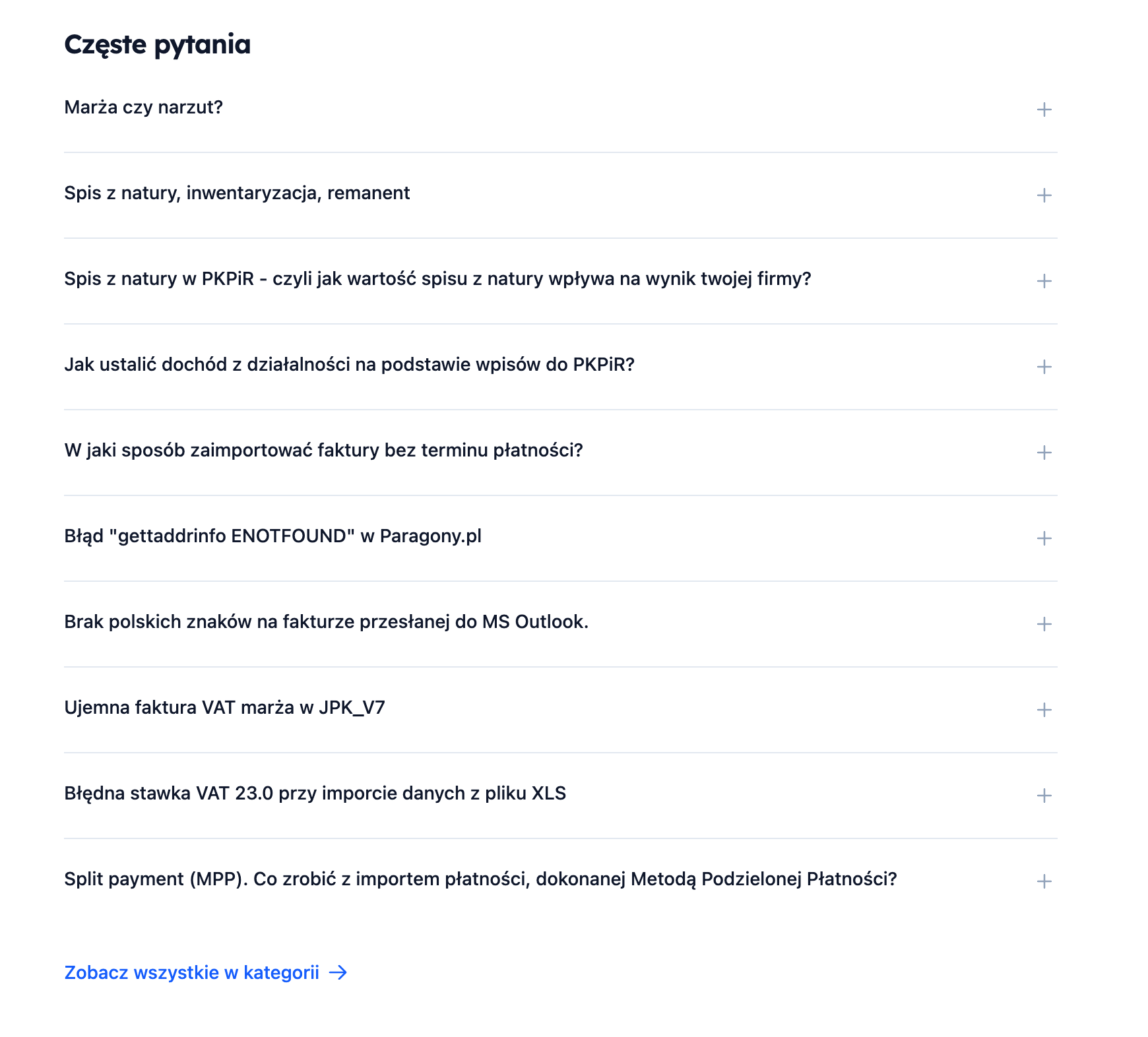
The FAQ section appears automatically if there is a category that meets one of the conditions:
- The category name contains the word
faq - The category URL contains the word
faq - The category name contains the word
często - The category name contains the word
pytania
Example category names that will trigger the FAQ section:
FAQFrequently Asked QuestionsMost Common Questions
The section displays the first 10 entries from this category in an accordion format (expandable questions). Upon clicking, a shortened content (600 characters) and a “Read more” link are shown.
5. Video Section (automatic)
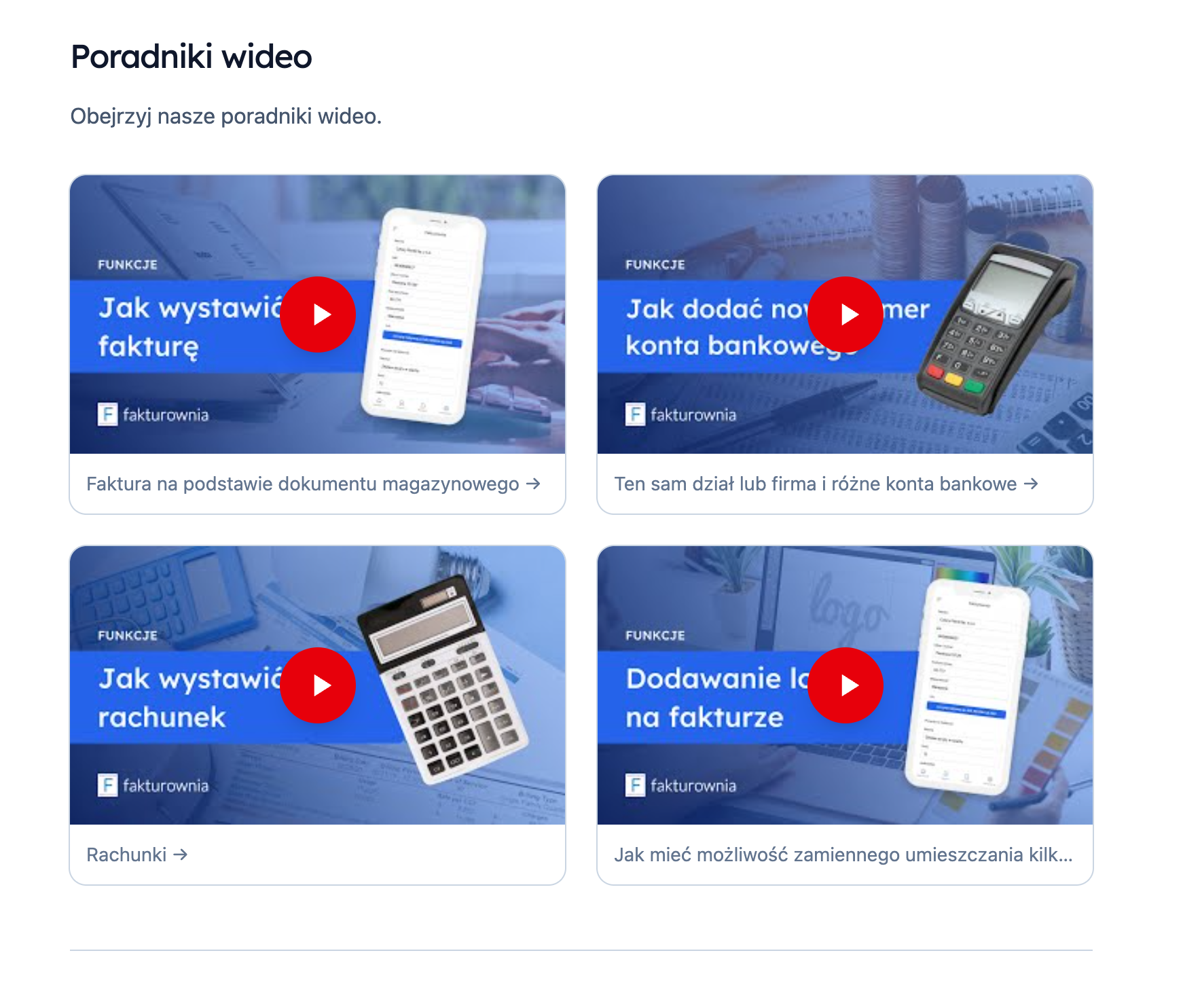
The video tutorial section appears automatically if there are entries with appropriate tags.
Tags that trigger the video section:
videofilmmoviewideotutorialporadnik
Requirements:
- The entry must have one of the above tags
- The entry should contain a link to YouTube in the content
If the entry contains a YouTube link, the template automatically:
- Extracts the video ID from the URL
- Fetches the thumbnail from
img.youtube.com - Displays a play button
- Opens a modal with the YouTube player upon clicking
Supported YouTube URL formats:
youtube.com/embed/VIDEO_IDyoutube.com/watch?v=VIDEO_IDyoutu.be/VIDEO_ID
How to activate sections
| Section | How to activate |
|---|---|
| Latest | Automatically (just need to have entries) |
| Popular | Automatically (just need to have entries with views) |
| FAQ | Create a category with "faq" or "questions" in the name/URL |
| Video | Add the tag video, tutorial, or guide to entries |
Table of contents of the entry (On this page)
In the single entry view, if the content contains H2/H3 headers, a table of contents “On this page” automatically appears in the right sidebar, highlighting the active section while scrolling.